
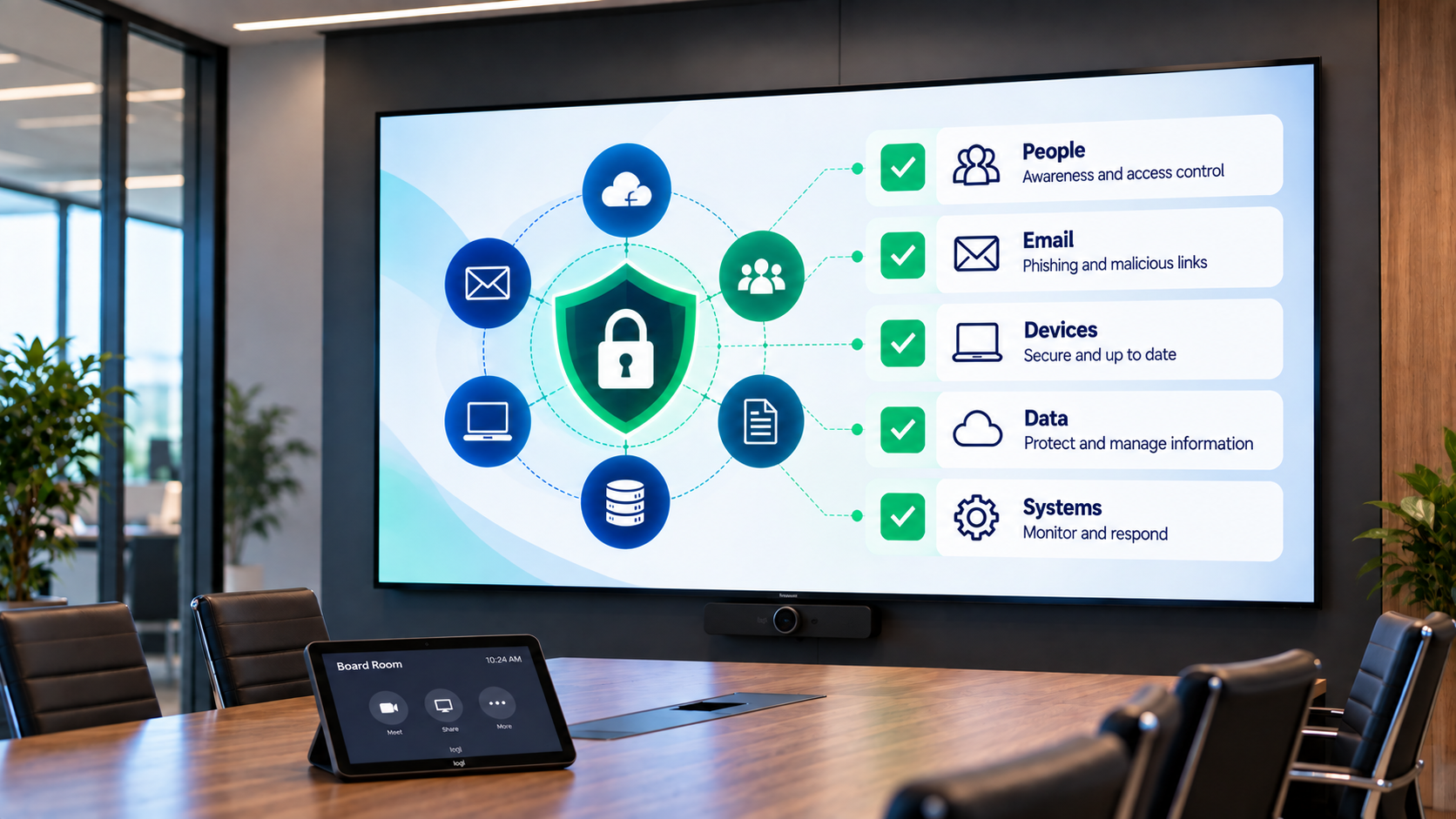
Cyber Security Checklist for Australian Small Businesses
Cyber security does not need to begin with complicated technology or an expensive security project.
For many small and medium-sized businesses, some of the most important improvements come from getting the fundamentals right: protecting user accounts, securing devices, keeping systems updated, backing up critical information and helping staff recognise suspicious activity.
This practical checklist provides a starting point for reviewing the security controls that help protect everyday business systems, Microsoft 365 environments, devices and data.
Start With the Controls That Protect Your Business Every Day
Use multi-factor authentication and strong access controls.
Manage computers, updates, encryption and endpoint security.
Reduce phishing, account compromise and accidental data loss.
Maintain backups and know how critical information will be restored.
Train staff and establish a clear process for reporting incidents.
Cyber security is most effective when people, technology and business processes work together.
Why Cyber Security Matters for Small Businesses
Smaller organisations may have fewer systems than large enterprises, but they often rely heavily on a relatively small number of people, devices and cloud services to keep the business operating.
Email Compromise
A compromised mailbox can expose sensitive conversations, contacts, invoices and business information.
Credential Theft
Stolen usernames and passwords can provide attackers with access to cloud services and business systems.
Data Loss
Accidental deletion, malicious activity or system failure can affect access to important business information.
Business Disruption
Security incidents can interrupt normal operations and require significant time to investigate and recover.
Small businesses do not need to implement every security technology at once. The priority should be establishing appropriate baseline controls and improving them as the organisation, technology environment and risks change.
Protect User Accounts With Multi-Factor Authentication
Passwords alone should not be the only protection between an attacker and your business systems. Multi-factor authentication adds another verification step when a user signs in.
Enable MFA
Enable multi-factor authentication for Microsoft 365, cloud applications and other important business systems wherever it is supported.
Prioritise Privileged Accounts
Administrator and other privileged accounts should receive particular attention because of the access they provide.
Review Sign-In Methods
Review how users authenticate and progressively move towards stronger authentication methods where practical.
Remove Unused Accounts
Disable accounts that are no longer required and ensure staff departures include prompt removal of access.
If a Password Was Stolen Today, What Would Stop the Next Login?
Strong authentication and appropriate access controls can make a significant difference when credentials are exposed through phishing, password reuse or another security incident.
Keep Computers, Applications and Operating Systems Updated
Security updates address vulnerabilities discovered in operating systems and applications. Delaying updates can leave known weaknesses available for attackers to exploit.
Enable automatic security updates where appropriate.
Keep Windows, macOS and mobile operating systems supported and up to date.
Update browsers, Microsoft Office and other frequently used applications.
Replace operating systems and software that are no longer supported by the vendor.
Maintain visibility of business devices so missing updates can be identified and addressed.
Secure Business Computers and Mobile Devices
Business information is accessed from laptops, desktops and mobile devices every day. These devices should be protected as part of the organisation's wider security environment.
Endpoint Protection
Use appropriate endpoint security to help detect and respond to malicious activity.
Device Encryption
Encrypt business laptops and supported devices to help protect information if equipment is lost or stolen.
Screen Lock
Configure devices to lock automatically and require authentication before access is restored.
Device Management
Consider centralised device management to improve visibility, security configuration and policy enforcement.
Strengthen Email and Microsoft 365 Security
Email remains central to everyday business communication and is also a common pathway for phishing, malicious links, fraudulent requests and credential theft.
Microsoft 365 environments should be reviewed rather than relying entirely on default settings. The appropriate controls will depend on the organisation's licensing, users and risk.
Security should cover more than email filtering. Identity, administrator access, sharing, applications, devices and information protection should also be considered.
Multi-factor authentication
Administrator accounts and privileges
Anti-phishing and email protection
External sharing and guest access
Sign-in activity and security alerts
Microsoft 365 licensing and available security controls
Back Up Critical Business Data
Backups provide an important recovery option when information is deleted, corrupted, encrypted or otherwise becomes unavailable. However, having a backup is only part of the solution.
Identify Critical Data
Understand which files, systems, mailboxes and cloud services contain information the business depends on.
Protect the Backup
Where appropriate, maintain backup arrangements that are separated from the production environment and protected against unauthorised access.
Test Recovery
Periodically verify that important information can actually be restored and that recovery procedures are understood.
Backup protects copies of information. Recovery planning considers how systems, data and business operations will be restored following a serious disruption.
Train Staff to Recognise Common Cyber Threats
Technology controls are important, but employees make security decisions every day when they open email, follow links, share information or respond to requests.
Phishing
Help staff identify suspicious messages, links, attachments and unexpected sign-in requests.
Payment & Invoice Fraud
Establish processes for independently verifying unexpected payment instructions or bank detail changes.
Suspicious Login Requests
Staff should know not to approve unexpected MFA prompts and how to report them quickly.
Reporting
Make it simple for employees to report suspicious activity without uncertainty about who to contact.
Control Who Has Access to Business Information
Users should have the access they need to perform their role, without automatically having access to everything.
Review administrator accounts and keep privileged access limited.
Remove accounts promptly when employees leave the organisation.
Review shared mailboxes, SharePoint sites, file shares and other locations containing sensitive information.
Review external users and guest access that may no longer be required.
Avoid using shared administrator credentials where individual accounts can be used instead.
Know What to Do When Something Goes Wrong
Even well-protected organisations can experience security incidents. Having a simple response process can help reduce confusion when rapid decisions are required.
Identify
Establish how employees should report suspected incidents and who should be contacted.
Contain
Have a process for isolating affected accounts, devices or systems where appropriate.
Recover
Understand how access, systems and information can be safely restored.
Review
Record what happened and identify security improvements following an incident.
Small Business Cyber Security Checklist
Use these questions as a simple starting point when reviewing your organisation's current cyber security position.
Is MFA enabled for important business systems?
Are administrator accounts restricted and reviewed?
Are computers and applications receiving security updates?
Are business laptops and devices appropriately protected?
Are Microsoft 365 and email security settings regularly reviewed?
Is critical business information backed up?
Have important backups been tested for recovery?
Do staff receive practical cyber security awareness training?
Are unused accounts and unnecessary access removed?
Does the business know what to do if a cyber incident occurs?
Improving Cyber Security One Layer at a Time
Cyber security is not a single product or setting. Effective protection comes from combining appropriate controls across identity, devices, email, cloud services, data, backup and employee awareness.
City Systems works with Australian organisations to review existing technology environments, identify areas requiring attention and implement practical security improvements.
Our approach is designed to improve security without introducing unnecessary complexity into everyday business operations.
Areas We Can Review
Microsoft 365 security
Identity and multi-factor authentication
Device and endpoint security
Email and phishing protection
Backup and recovery arrangements
Cyber security awareness
Not Sure Where Your Security Gaps Are?
City Systems can review your current IT and Microsoft 365 environment and help identify practical security improvements based on your organisation's requirements.